Technical configurations
note
This tab is only visible if your organization's role includes publisher or data partner. These roles are unlocked by Decentriq — contact your customer success representative or support@decentriq.com.
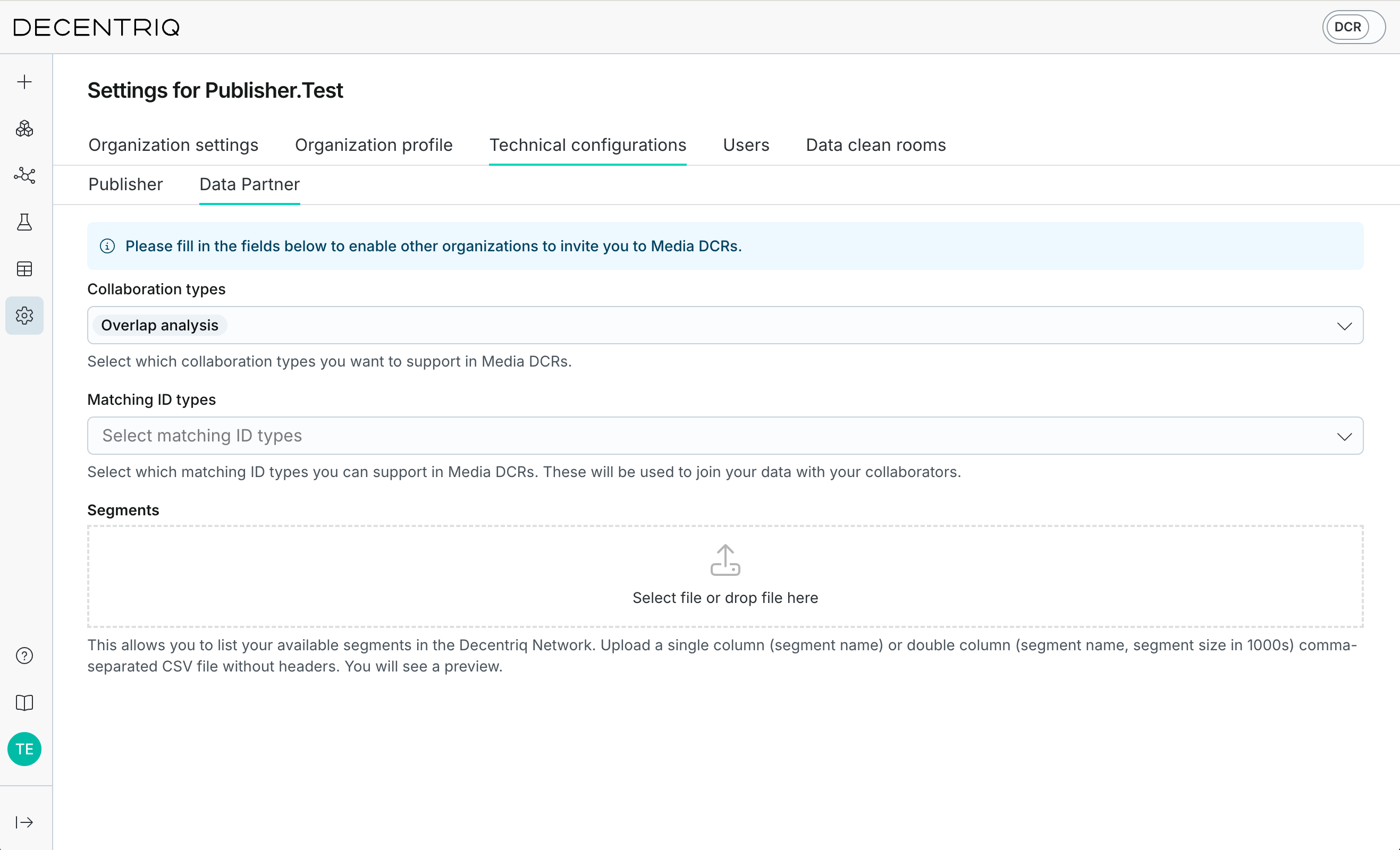
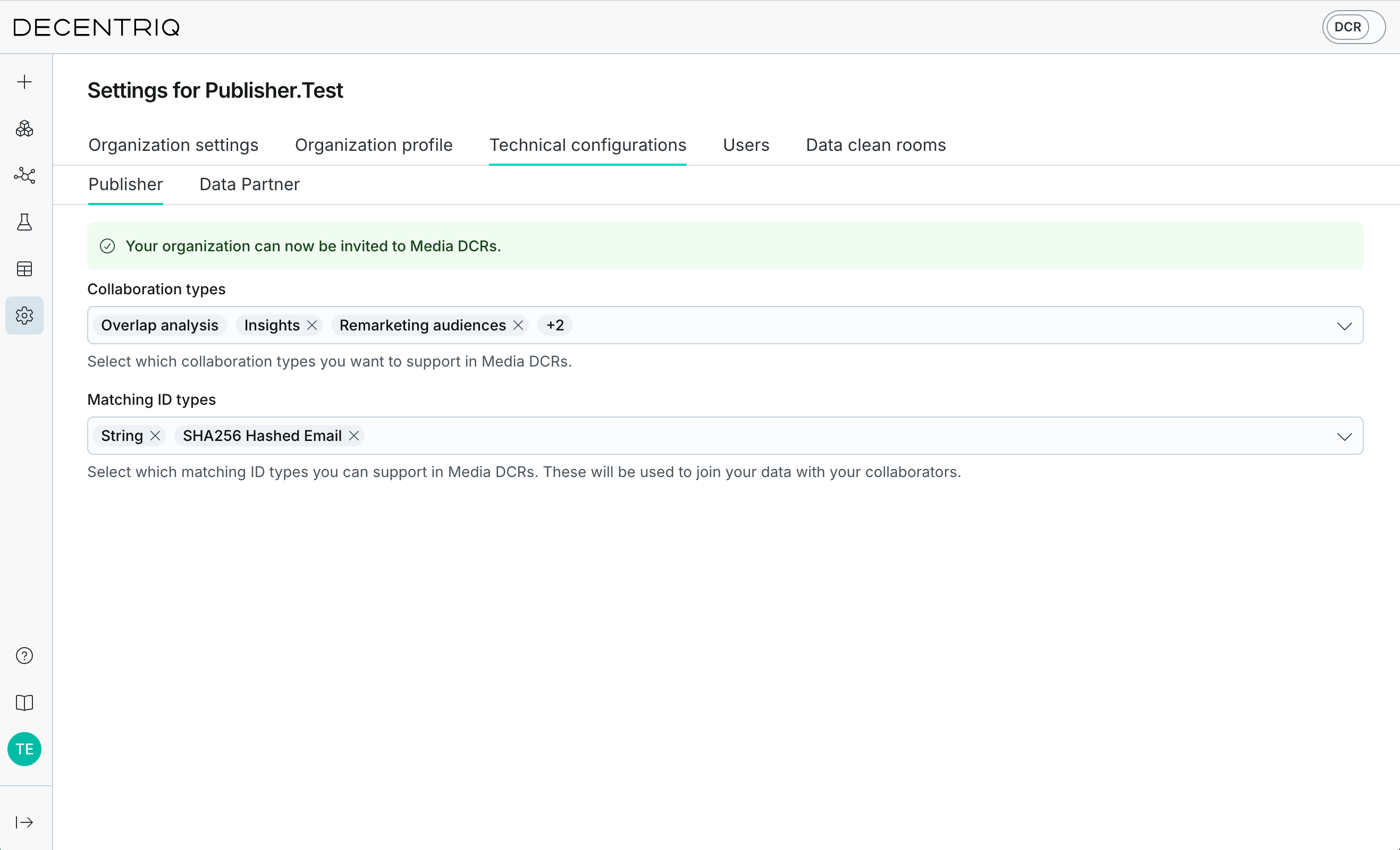
Set up your technical configuration so other organizations can invite you to Media DCRs. The available options depend on your organization's role. If your organization is both a publisher and a data partner, you'll see a Publisher and a Data Partner sub-tab.
Publisher configuration
If your organization is a publisher, set up the following on the Publisher sub-tab. See also the publisher onboarding guide.
- Matching IDs: Configure supported identifier types.
- Collaboration types: Set supported collaboration types.
Data partner configuration
If your organization is a data partner, set up the following on the Data Partner sub-tab. See also the data partner onboarding guide.
- Matching IDs: Configure supported identifier types.
- Collaboration types: Set supported collaboration types.
- Segments: Upload and manage available audience segments. This lets you list your available segments in the Decentriq Network. Upload a single-column (segment name) or double-column (segment name, segment size in 1000s) comma-separated CSV file without headers.