Meta
Overview
The Meta connector exports DMP audiences directly to Meta as Custom Audiences, making them available for targeting in Ads Manager.
Each audience selected for export is uploaded as a separate Meta Custom Audience. Identifiers are sent directly to the Meta Custom Audience API in chunks; large audiences are streamed without ever being held in memory by Decentriq.
Prerequisites
- Have a Meta Business Account with access to Meta Ads Manager.
- Have your Ad account ID. You can find this in Meta Ads Manager under Account Settings.
- Have created a system user in Meta Business Manager with the
ads_managementpermission, and generated a system user access token for that user. System user tokens are long-lived and don't expire unless revoked.
The access token is encrypted and stored securely by Decentriq.
Step-by-step guide
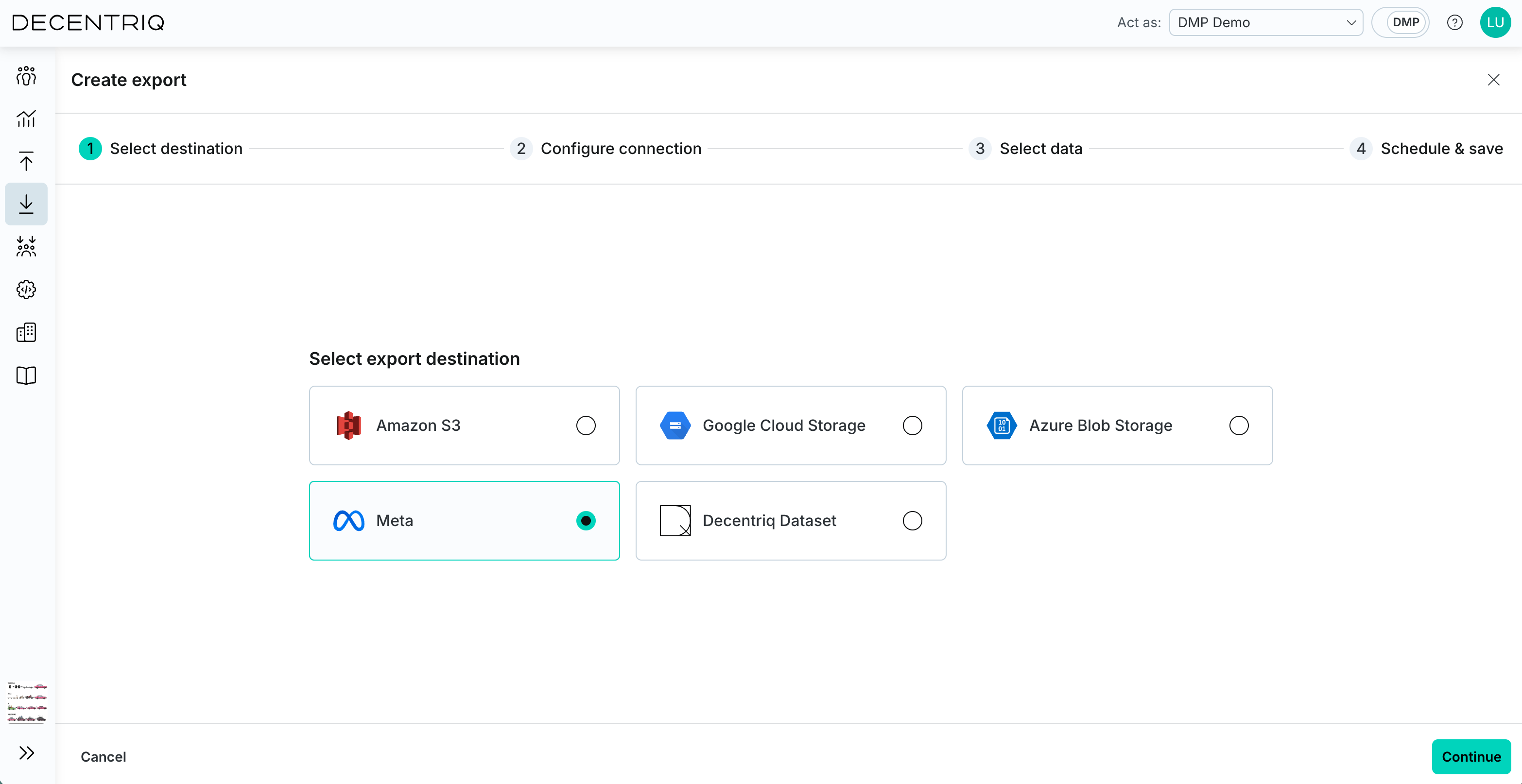
Step 1: Select the destination
Follow the steps to create a new export and select Meta from the list of connectors.
Step 2: Configure connection
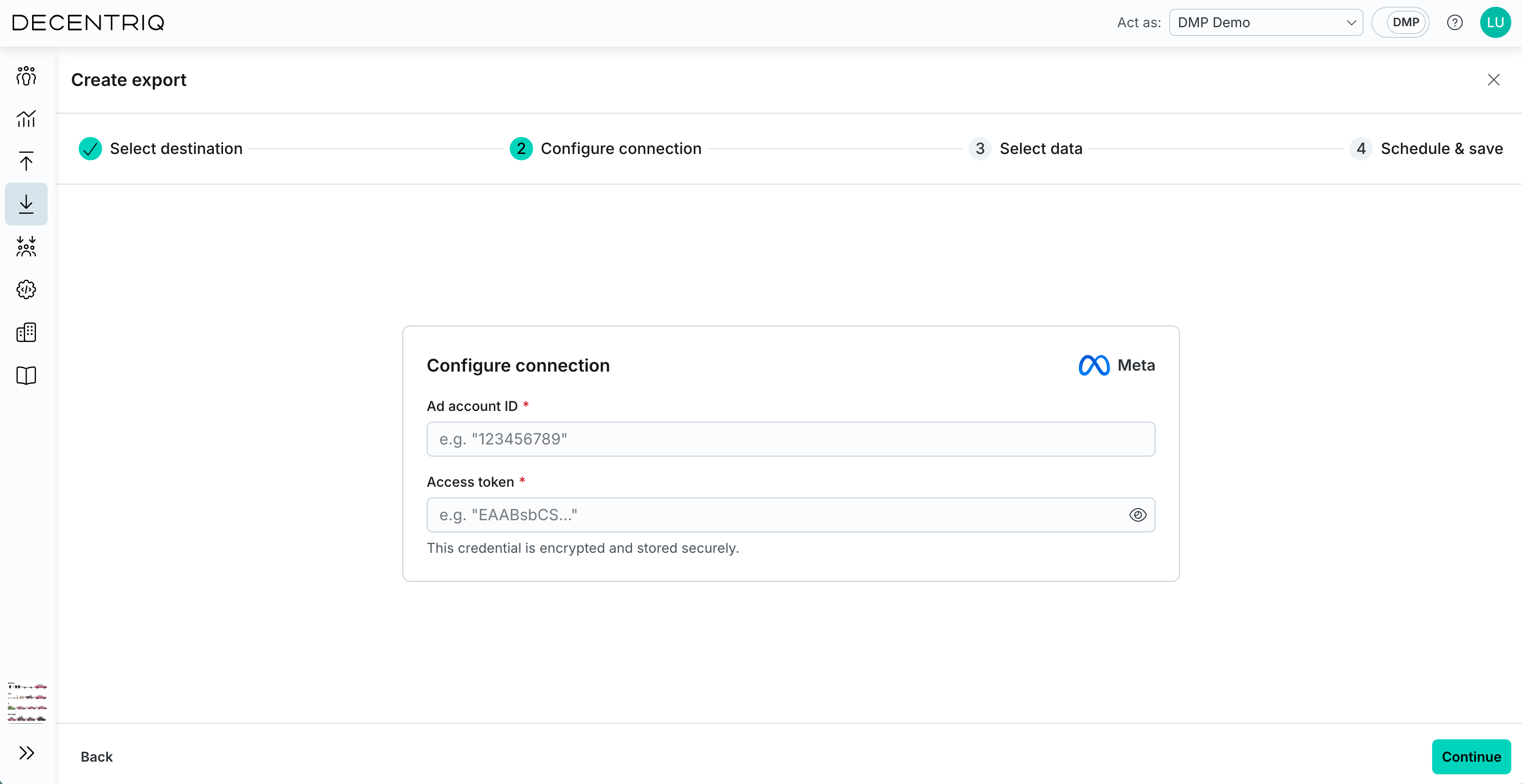
Click Continue to proceed to connection configuration. Enter the required connection details for Meta:
- Ad account ID: Your Meta ad account ID.
- Access token: The system user access token created in Meta Business Manager.
Step 3: Select audiences
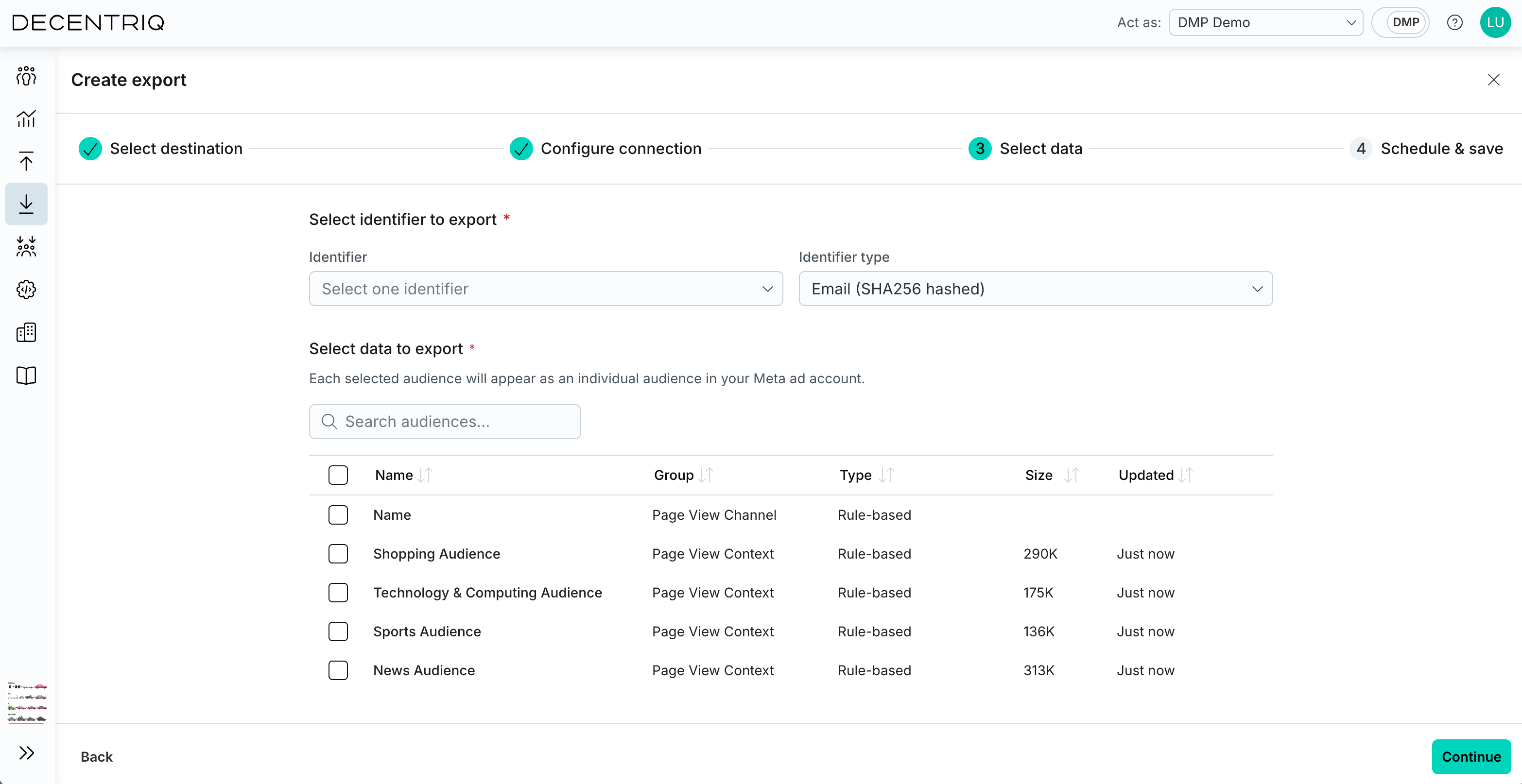
Click Continue to proceed to audience selection. Select the identifier to use for matching and its type:
- Email (SHA256 hashed)
- Phone number (SHA256 hashed)
- Mobile Advertiser ID (MAID)
Email and phone identifiers must be pre-hashed with SHA256 by the publisher before they reach the DMP — the connector does not hash on your behalf. Only one identifier type can be exported per Meta export.
Then choose the audiences to export. Multiple audiences can be selected; each will be uploaded as its own Meta Custom Audience.
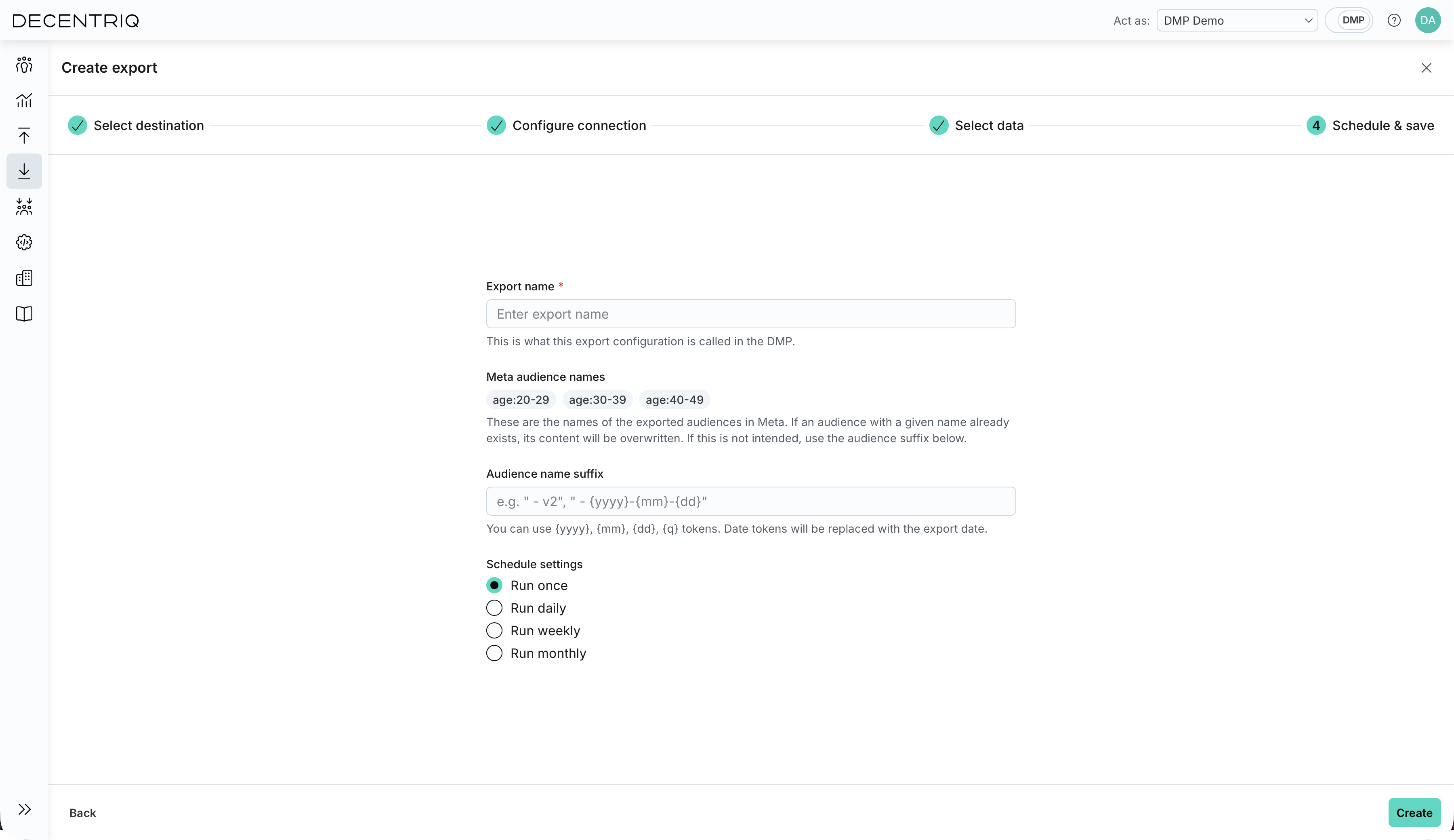
Step 4: Configure the export
Click Continue to proceed to export configuration. Enter the export configuration:
- Export name: The name of this export configuration in the DMP.
- Meta audience names: A preview of the names the exported audiences will have in Meta, derived from each audience's name in the DMP. If an audience with the same name already exists in Meta, its content is overwritten on each run. To avoid overwriting, set a suffix below.
- Audience name suffix: An optional suffix appended to each audience name when uploading to Meta. Supports the date tokens
{yyyy},{mm},{dd}, and{q}, which are replaced with the export date (for example," - {yyyy}-{mm}-{dd}"becomes- 2026-05-04). - Schedule settings: Define how often the export should run (run once, daily, weekly, or monthly).
Step 5: Create the export
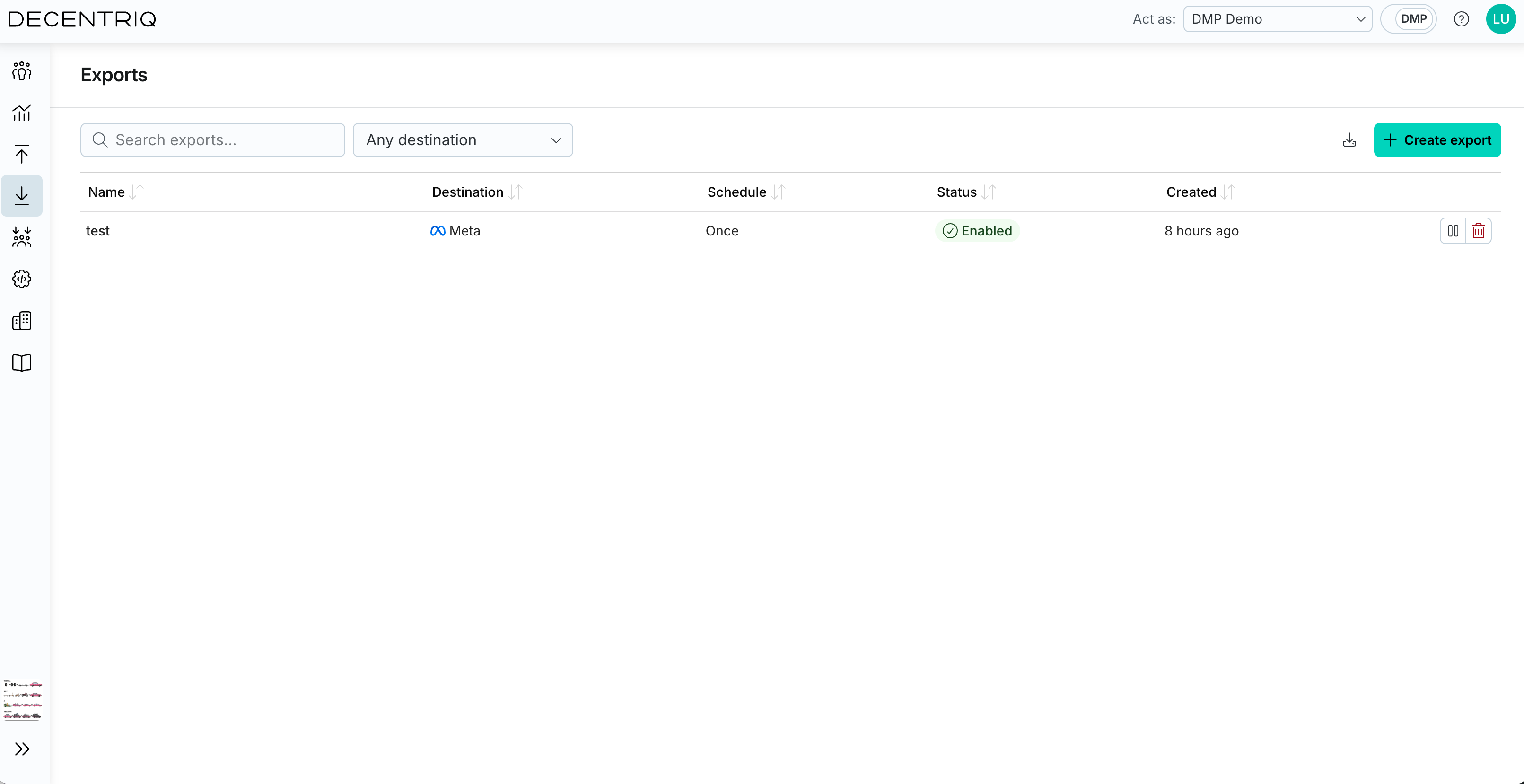
Click Continue to create the export. Once created, the export appears in the Exports table with the export name provided in the previous step. From there, you can monitor its status, review execution history, and manage future runs.