Create a contextual activation
To create a contextual activation, navigate to Key-Value Activation and click Create activation. The creation wizard walks through three steps.
Step-by-step guide
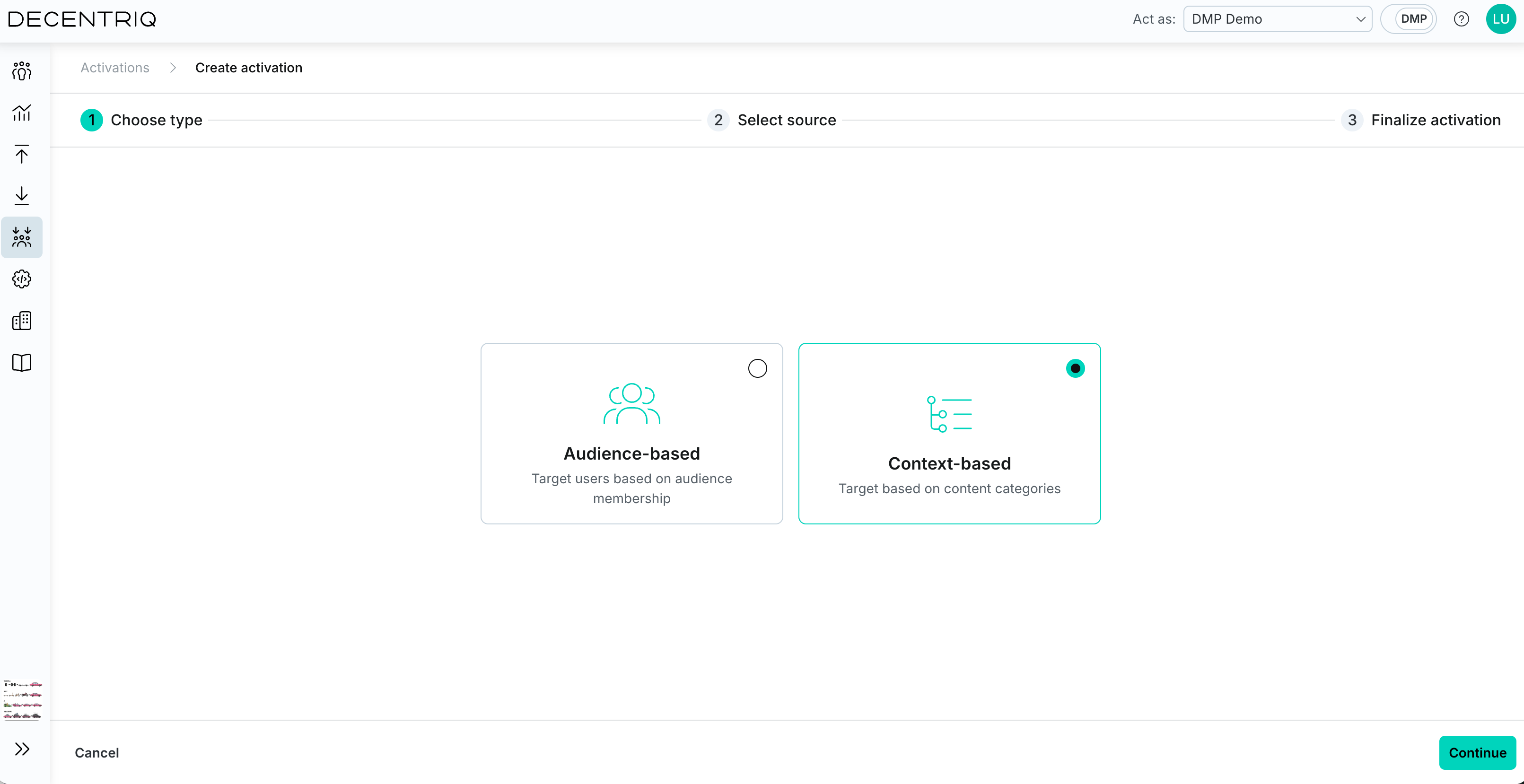
Step 1: Choose type
Select Contextual activation.
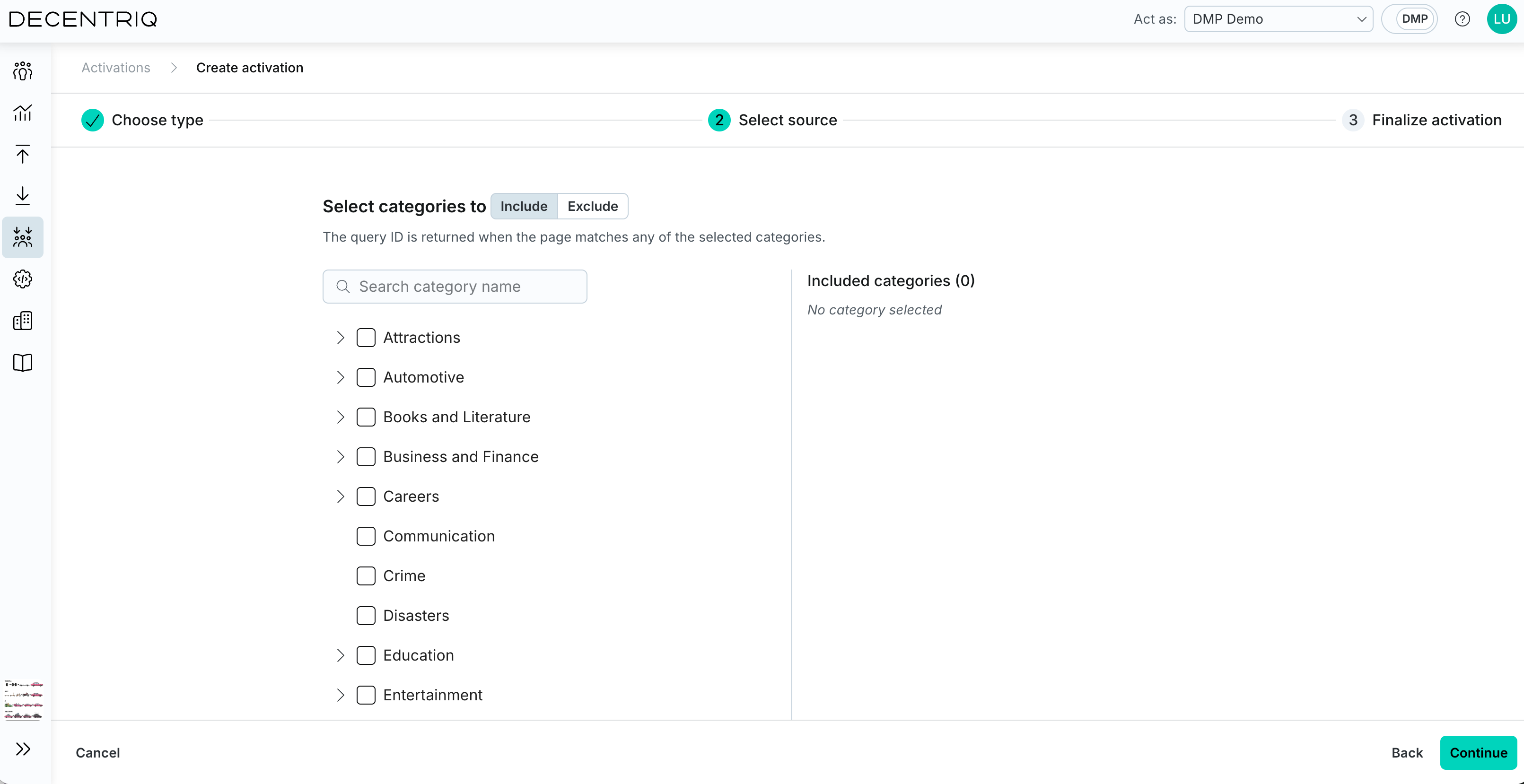
Step 2: Select categories
Pick categories from the IAB Content Taxonomy 3.1 tree on the left. Selected categories appear on the right. Selecting a parent category auto-selects its children.
Choose how the categories should be matched:
- Include: The Query ID is returned when the page matches any of the selected categories.
- Exclude: The Query ID is returned when the page doesn't match any of the selected categories.
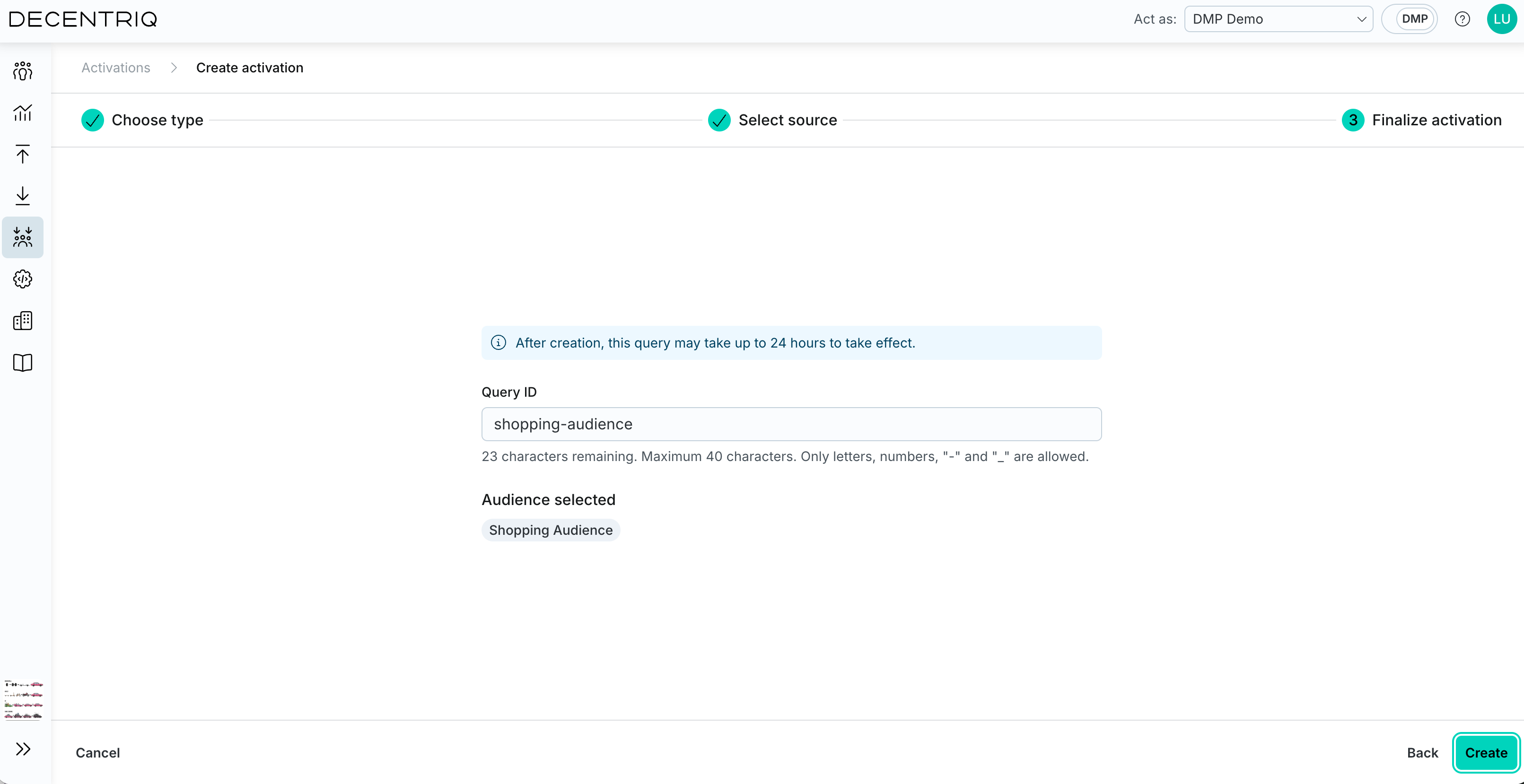
Step 3: Finalize activation
Enter the Query ID that your ad server will use to look up this activation:
- Maximum 40 characters.
- Allowed characters: lowercase letters, numbers,
-,_. - Must be unique across all activations.
A default Query ID is suggested based on the categories you selected; you can edit it.
note
The activation takes effect after the next DMP pipeline run.
Click Create to save. The activation appears in the activations table and is enabled by default.